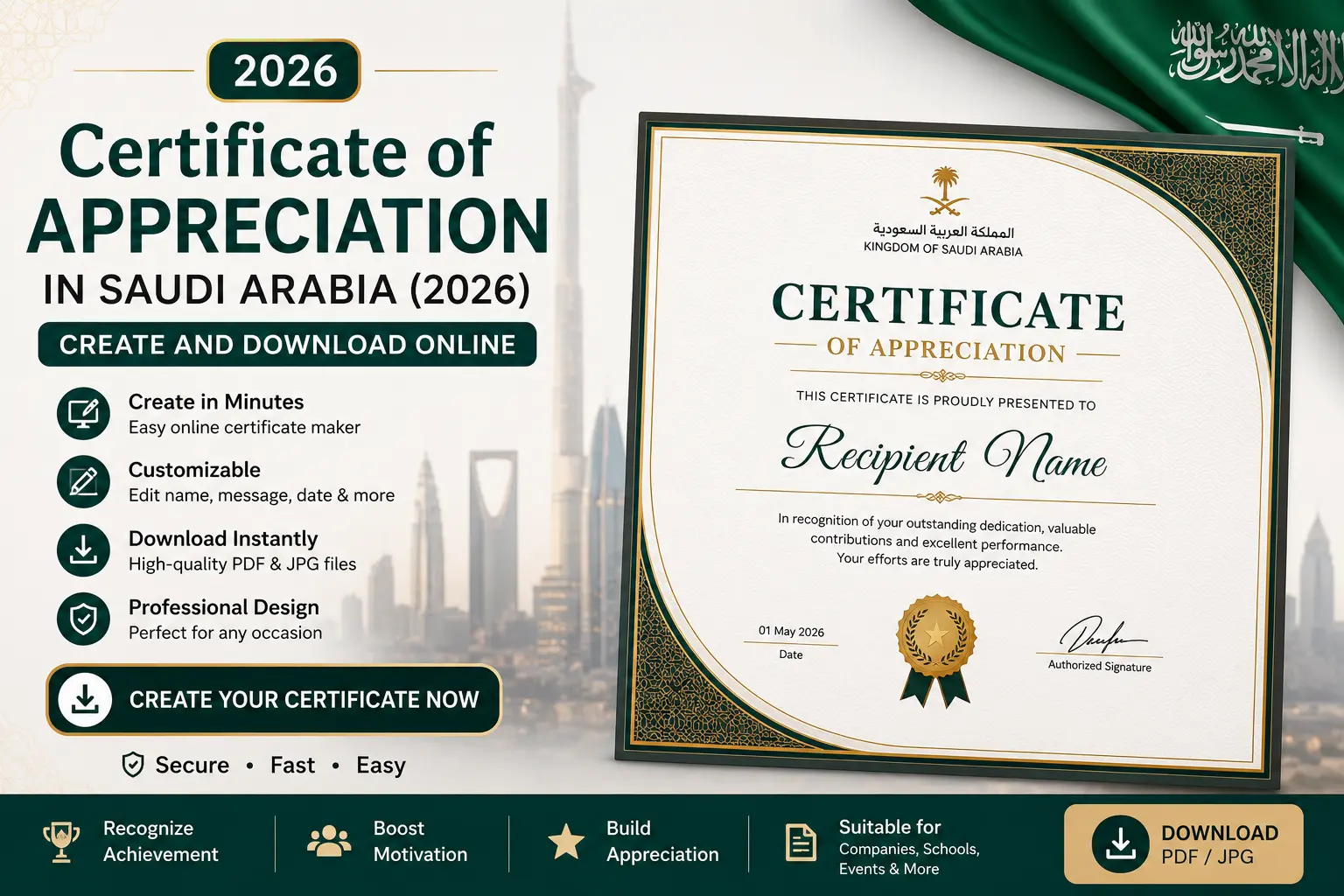
It usually starts with someone dropping it on you at the last minute. The school event is Thursday and forty kids are expecting certificates. The project closed and now your manager wants “something nice” to hand the team. A charity drive wrapped up and everyone who showed up deserves a bit of paper that says thanks. So you open your laptop, stare at the blank screen, and think: where does everyone else get these?
Nowhere special, it turns out. You don’t need a designer. You don’t need to walk into a print shop and pay SAR 20 a sheet. Fifteen minutes on a free website and you’ve got a clean certificate you can print by the dozen. Let me walk you through how it works in Saudi Arabia, which tools are worth your time, and the little things that separate a certificate that looks official from one that looks thrown together in a hurry. Which, let’s face it, it probably was.
First, what it even is
شهادة شكر وتقدير. A certificate of appreciation. It’s a formal thank-you, dressed up enough that the person hangs onto it. No legal weight to it, nobody’s filing it anywhere, but in Saudi Arabia public recognition carries real value, and once you start looking you’ll notice these things on office walls, in kids’ school folders, framed in living rooms.
Who hands them out? Everyone. Schools, for attendance or good grades or just behaving all term. Companies, at the end of a project or after ten years of service. Mosques, sports clubs, training centres, volunteer groups. In a work setting the project-completion one is especially common, and people hold onto it, because it doubles as a record of what they pulled off.
The Arabic and English question
This is the part people outside the Kingdom don’t think about. A lot of certificates here run in two languages, Arabic and English, either side by side or stacked. For a school or a neighbourhood event, Arabic alone does the job. For a company, though, especially one with a mixed team or foreign clients, put both. It reads as more serious, and it plainly looks better.
One catch if you go bilingual: Arabic runs right to left, so the layout flips. The name and the title need to sit the right way round, not get pasted in backwards. Good tools handle this on their own. Check it anyway before you commit fifty copies to the printer.
What goes on the page
Peel off the borders and the swirls and every decent certificate is built from the same handful of pieces. A title up top. The recipient’s name, spelled right, and I mean check it properly, because nothing kills the gesture faster than a misspelled name on the one thing meant to honour someone. The reason you’re giving it. The date. Whoever’s issuing it, with their logo. A signature at the bottom, and a stamp if it’s the official sort.
Businesses tend to pile on a reference number and a letterhead to make it feel weightier. A certificate for eight-year-olds needs none of that. It needs colour and a font that isn’t dull. Read the room and build for it.
Tools that get the job done
A few real options, depending on what you’re after.
Canva is where most people land, and I get why. Free, runs in the browser, loaded with appreciation templates you just type over. Change the name, tweak the colours, drop your logo in, save. Arabic works on it, though give the alignment a second look. The part that’s saved me more than once: if you’ve got a long list of names, its bulk tool builds one certificate per name on its own, no copy-pasting thirty times over.
Prefer offline? Template.net has downloadable PNG and Word files. Word and PowerPoint come with certificate layouts already built in, which is plenty when you’re not fussed about design and Office is open anyway. And if you need the formal corporate kind, there are Saudi template services that hand you a bilingual, letterhead-ready version with the sections already in place.
No single winner here. Flashy and fast, Canva. Plain and offline, Word. Formal and legal-ish, a proper template service.
Doing it in Canva, quickly
Since Canva’s the simplest, the short version.
Go to canva.com, sign in or make a free account, minute’s work. Search “certificate of appreciation” and scroll the templates until one fits the mood, formal or fun. Click the text, type your own over it: the title, the name, the reason, the date. Adding a logo? Upload, drag, drop. Recolour to your school or brand if you want. And for a batch, the bulk create tool takes a list of names and produces the whole set in one go.
That last bit is the difference between five minutes and an hour when there’s a full class to get through before the bell.
Downloading it so it doesn’t look cheap
Small thing, big difference. For printing, pick PDF Print, it holds the sharpness and keeps the colours honest on paper. Just firing it off on WhatsApp or email? PNG or a normal PDF is lighter and does fine. Got a logo or a photo in there? PDF keeps the background clean, so lean that way.
And save the editable file, not only the export. Next event you open it back up, change two words, done. Nobody wants to rebuild the same certificate every single term.
The details that make it look real
This is where a certificate wins or loses. A real signature, even scanned in, beats a typed name every time. A stamp or seal makes it read as authorised on sight. Fonts: one or two, readable, not a circus of five. Wording: warm but brief. “In recognition of your dedication and outstanding contribution” carries more than a paragraph stuffed with adjectives.
Then check the name and the date. Twice. They’re the first thing anyone reads and the worst thing to get wrong.
If it’s an official certificate you’re after
Worth clearing up, since people search both in the same breath. If what you want is an official employment or training certificate, that’s a separate thing entirely. Those you pull from government platforms, your work certificate off Qiwa for instance, and you download them, you don’t design them. The appreciation certificate is the one you make yourself.
And that’s it
Fifteen minutes, a free tool, a careful eye on the name and the wording. Enough to give someone a piece of paper they’re glad to take, maybe even proud to hang up. Make one solid template, keep it somewhere you won’t lose it, and every event after this stops being a scramble.